Canceling an order can only be done before the product is shipped.
-
If you've already paid for your order, please email us at with your Order ID to find the current status of your order:
- The order has shipped- for a refund you'll need to refuse the delivery of the order and request the carrier to return it to our warehouse. A 15$ fee will be deducted from the order´s amount representing the order handling expense
- The order hasn't shipped yet, we'll cancel your order and refund you
- If your order is not paid yet, follow the next steps to cancel your order and not receive email reminders to complete your payment:
1. Go to the Wholesale Blimburn Seeds website and log in with your account details.
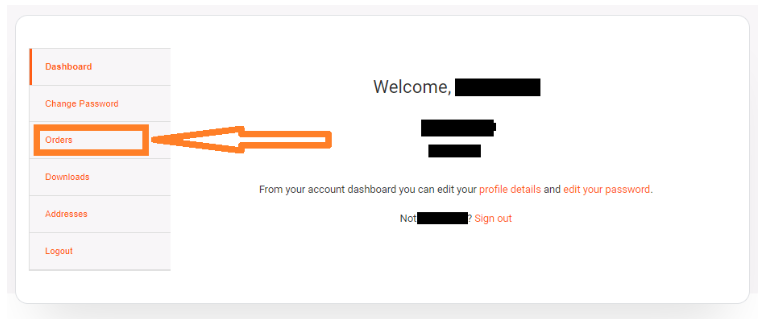
2.Go to “Orders”, find the order you want to cancel and click "Cancel".
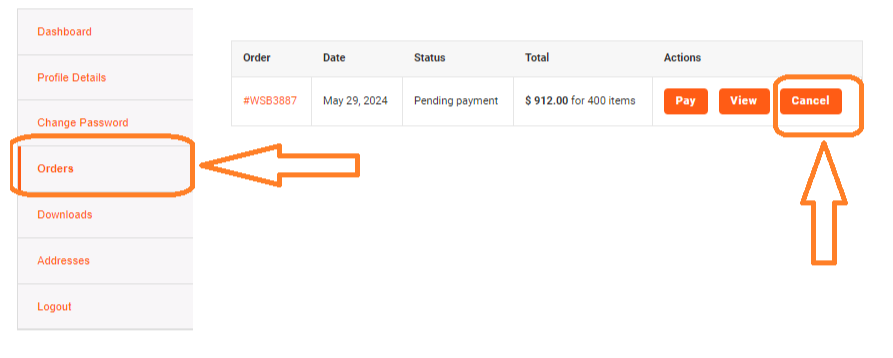
3.Your order has been canceled. You'll see a confirmation message on your admin panel.
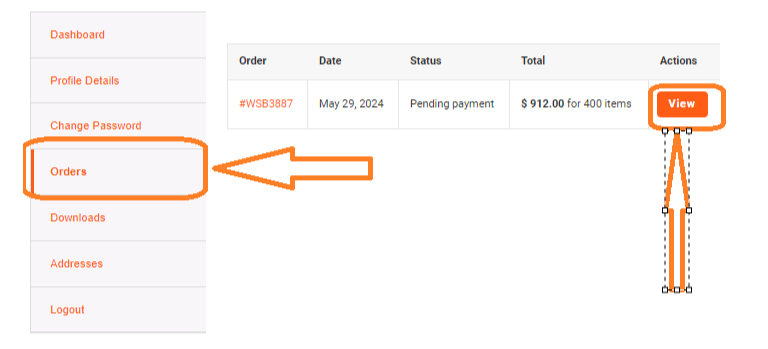
If you need further assistance, please send an email to support@blimburnseeds.com. We will get back to you on the next business day. Remember to add your Order ID.